
How to Add Schema Markup for Dentists
Ever notice some dental practices show star ratings, hours, or FAQs right inside Google search results?
That’s not luck — that’s schema markup.
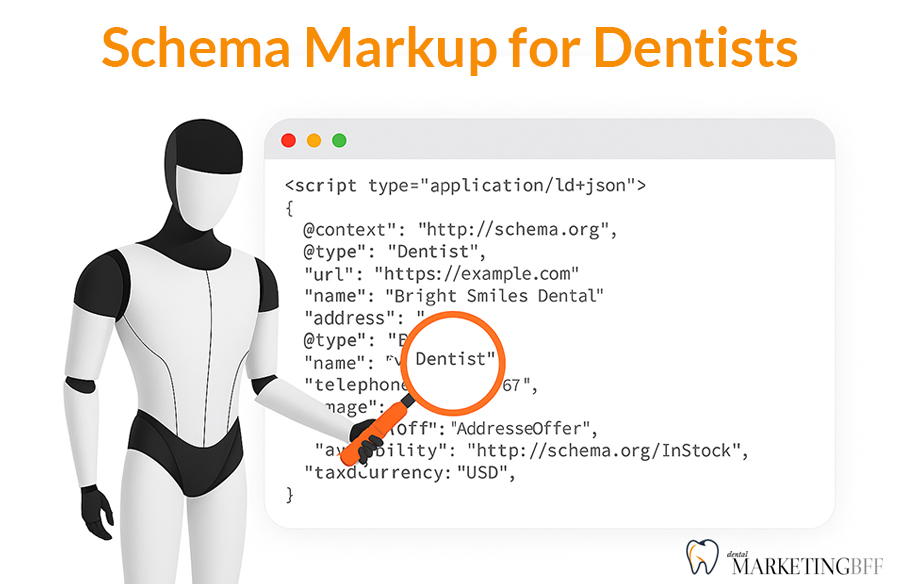
Schema markup helps Google understand your website’s content, giving your practice a competitive edge in search and making your listing stand out with rich details patients love.
In this guide, you’ll learn exactly how to use schema markup to boost your Dental SEO, enhance trust, and earn more clicks — without needing a developer.
Key Takeaways
- Schema markup is structured data that helps Google display rich results.
- Dentists should use Dentist, LocalBusiness, and FAQ schema.
- Rich results (stars, hours, address) increase CTR by up to 35%.
- Add schema using JSON-LD code or SEO plugins like Rank Math or Yoast.
- Always test with Google’s Rich Results tool after implementation.

See How Our Agency Can Help You Attract More Patients
- SEO — dominate Google and Local Map searches.
- Website Design — convert traffic into booked appointments.
- Content Marketing — we create content that gets traffic.
What Is Schema Markup (and Why It Matters for Dental SEO)
Schema markup is code you add to your website to help search engines understand your business, services, and content.
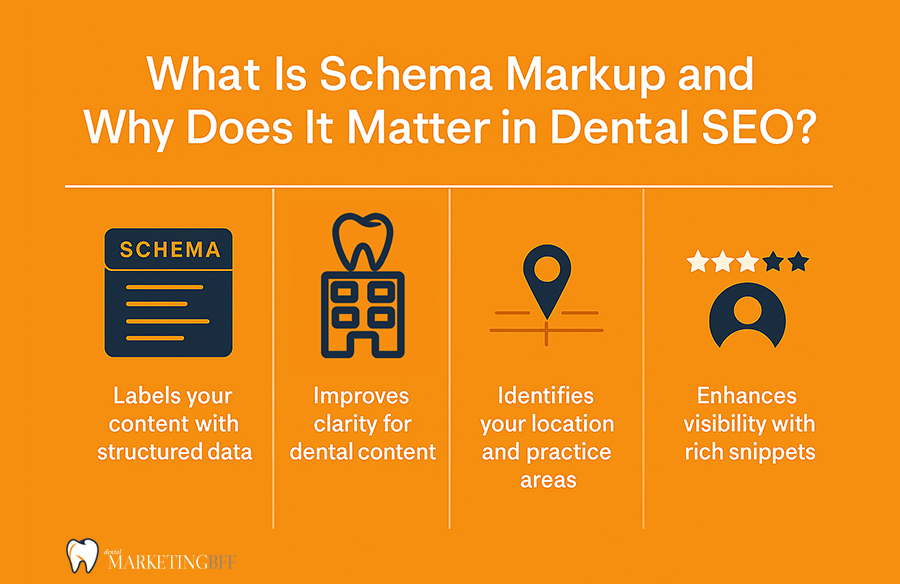
Without schema, Google sees your page as plain text.
With schema, it knows:
- You’re a dental practice,
- Located in Gilbert, AZ,
- Have 4.9-star reviews,
- Open Monday–Friday, and
- Offer services like Invisalign and Pediatric Dentistry.
That extra context can trigger rich results — enhanced search snippets that stand out visually and drive more clicks.
Schema works best when it’s layered onto a clean structure. If you’re still planning that, start with SEO Website Structure for Dental Clinics.
Types of Schema Every Dentist Should Use
There are hundreds of schema types, but three matter most for dental practices.
1. Dentist Schema
This tells Google your business is a dental clinic. You can include your name, services, location, and contact details.
<script type="application/ld+json">
{
  "@context": "https://schema.org",
  "@type": "Dentist",
  "name": "Sweet Tooth Pediatric Dentistry",
  "image": "https://sweettoothdentalaz.com/images/logo.png",
  "url": "https://sweettoothdentalaz.com",
  "telephone": "+14805555555",
  "address": {
    "@type": "PostalAddress",
    "streetAddress": "123 E Main St",
    "addressLocality": "Gilbert",
    "addressRegion": "AZ",
    "postalCode": "85234",
    "addressCountry": "US"
  }
}
</script>
2. LocalBusiness Schema
This markup strengthens your local SEO by adding location data, hours, and NAP consistency.
<script type="application/ld+json">
{
  "@context": "https://schema.org",
  "@type": "LocalBusiness",
  "name": "Sweet Tooth Pediatric Dentistry",
  "openingHours": "Mo-Fr 08:00-17:00",
  "priceRange": "$$",
  "geo": {
  "@type": "GeoCoordinates",
    "latitude": "33.3528",
    "longitude": "-111.7890"
    },
    "sameAs": [
    "https://www.facebook.com/sweettoothdentalaz",
    "https://www.instagram.com/sweettoothdentalaz"
  }
}
</script>
3. FAQ Schema
If your site has a FAQ section (which it should), you can use FAQ schema to display questions and answers directly in search results.
<script type="application/ld+json">
{
  "@context": "https://schema.org",
  "@type": "FAQPage",
  "mainEntity": [
    {
      "@type": "Question",
      "name": "Do you take new patients?",
      "acceptedAnswer": {
        "@type": "Answer",
        "text": "Yes! We welcome new patients of all ages and offer easy online booking."
      }
    },
    {
      "@type": "Question",
      "name": "Do you offer emergency appointments?",
      "acceptedAnswer": {
        "@type": "Answer",
        "text": "Yes. We provide same-day emergency dental appointments whenever possible."
      }
    }
  ]
}
</script>
How Schema Markup Helps SEO
While schema isn’t a direct ranking factor, it has huge indirect SEO benefits:
– Improves click-through rates by making listings more eye-catching
– Strengthens E-E-A-T signals (Experience, Expertise, Authority, Trustworthiness)
– Boosts local search visibility
– Helps Google deliver more accurate AI Overviews
Think of schema as your website’s translator — it helps Google speak “dental.”
Schema markup is the next step after you’ve nailed your core on-page elements. Make sure your foundation is solid using What Makes a Dental Website SEO-Friendly.
How to Add Schema Markup to Your Dental Website
You can add schema in several ways, depending on your comfort level.
Option 1: Add Schema via WordPress Plugin
If you use WordPress, plugins make it easy:
- Rank Math → Automatically adds LocalBusiness and FAQ schema
- Yoast SEO Premium → Simple JSON-LD setup
- Schema Pro → Visual schema builder
Just enter your business name, address, hours, and FAQs — the plugin handles the code.
Option 2: Add Schema Manually
If you’re confident editing HTML, you can paste JSON-LD code directly between the <head> tags of your page.
Each page can have multiple schema types, e.g.:
- “Dentist” for your homepage
- “FAQPage” for service pages with Q&A
- “Product” for whitening kits or Invisalign aligners
Option 3: Use Google Tag Manager
For advanced setups, you can deploy schema through Google Tag Manager (GTM). This keeps your HTML clean while letting you update schema without touching code.
How to Validate Your Schema
Once your schema is live, always test it. Use:
- Google’s Rich Results Test → search.google.com/test/rich-results
- Schema.org Validator
Look for:
– Green “Valid” checkmarks
– Warnings (often optional fields)
– Errors (must be fixed before schema is recognized)
Common Schema Mistakes Dentists Make
❌ Forgetting to close JSON brackets
❌ Adding duplicate schema types
❌ Using incorrect @type (e.g., “Organization” instead of “Dentist”)
❌ Omitting LocalBusiness data
❌ Forgetting to validate code
Schema doesn’t have to be complicated, but precision matters. One small syntax error can make it invisible to Google.
Advanced: Combine Schema for Maximum Impact
For best results, combine Dentist + LocalBusiness + FAQ on your homepage or service pages.
Example combo:
"Dentist",
"LocalBusiness",
"FAQPage"
This creates a “semantic web” that tells Google: “This is a dental practice, located in Gilbert, with specific services, verified hours, and answers to patient questions.”
That’s exactly what search engines — and AI Overviews — prioritize.
FAQs
Conclusion: Schema Turns Your Website Into a Trust Signal for Google
Schema markup is one of the most overlooked but powerful SEO tools for dentists. It doesn’t just tell Google what your website says — it tells Google who you are, where you are, and why patients should trust you.
By adding structured data like Dentist, LocalBusiness, and FAQ schema, you make your listings richer, your brand stronger, and your click-through rates higher. Every star rating, business hour, and answer that appears in search results builds confidence before a patient ever clicks.
Ready to add schema and stand out in Google search results? Book a Free Dental SEO Strategy Call →
